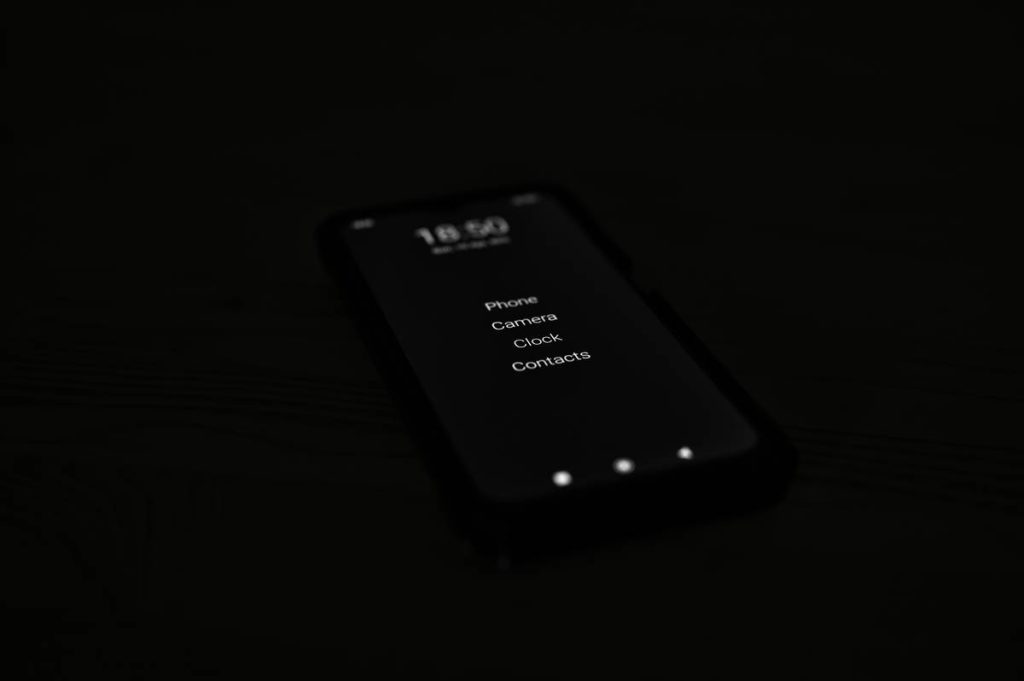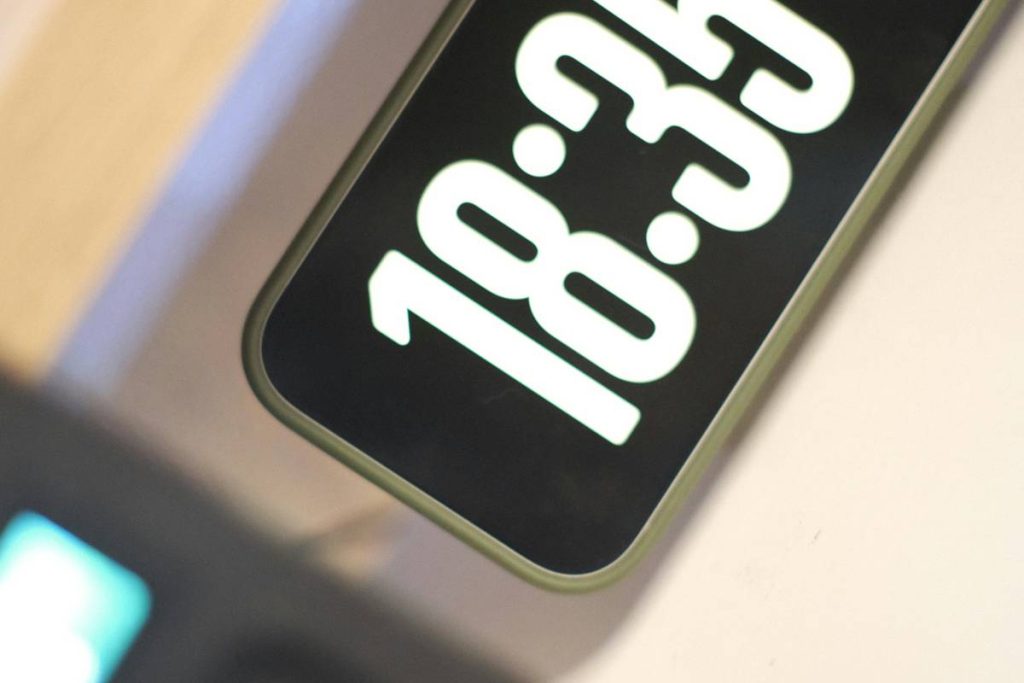
You bought a “smart” clock. It connects to Wi-Fi. Shows the weather. Plays Spotify. But at 2 a.m., when you squint through bleary eyes, all you see is glare, clutter, or worse—nothing at all. That’s not smart. That’s lazy design. A true modern smart clock display isn’t just connected—it’s thoughtful, adaptive, and almost invisible until you need it.
The Core Problem: Most Smart Clocks Are Designed for Engineers, Not Humans
Manufacturers obsess over specs—resolution, chipset speed, voice assistant compatibility—but forget one brutal truth: clocks exist to be glanced at, not interacted with. And yet, your average “premium” smart clock floods your nightstand with blue light, auto-scrolling news tickers, or unskippable ads for premium weather forecasts.
It’s sensory overload disguised as convenience.
Worse? They often lack ambient intelligence. No dimming based on room lighting. No graceful fallback when the internet drops. Just a frozen screen or a spinning wheel of despair.
Building the Perfect Modern Smart Clock Display: A Practitioner’s Blueprint
Forget shopping by brand. Start with behavior. What do you actually need at 6 a.m. versus midnight? The best displays adapt—not just in brightness, but in content hierarchy.
Display Technology Matters More Than You Think
OLED? E-Ink? LCD with full-array local dimming? Each has trade-offs. OLED offers perfect blacks but risks burn-in if you leave the time static for weeks. E-Ink is easy on the eyes but can’t show color or video—fine for time/weather, useless for doorbell alerts. High-end LCDs with micro-LED backlighting? Gorgeous—but power-hungry.
Integration Isn’t Just About Alexa
A modern smart clock display should talk to your actual ecosystem. If you run Home Assistant or use Matter-compatible devices, ensure native support—not just via clunky IFTTT workarounds that add 8-second delays. Real-time responsiveness separates utility from frustration.
Customization Without Coding (Ideally)
Look for units that let you design your own layout through drag-and-drop interfaces—swapping between sunrise times, calendar events, indoor air quality, or even fish tank parameters (yes, some of us monitor pH levels overnight). Bonus if it supports MQTT or REST APIs for DIY tinkerers.
| Display Type | Best For | Power Use (Avg.) | Nighttime Usability |
|---|---|---|---|
| E-Ink | Sleep-focused users, low distraction | 0.5W | Excellent—zero glare, no blue light |
| OLED | Vivid visuals, dynamic content | 8W | Good—if auto-dimming works flawlessly |
| IPS LCD w/ Local Dimming | Full-color alerts, video previews | 12W | Fair—requires aggressive night mode |
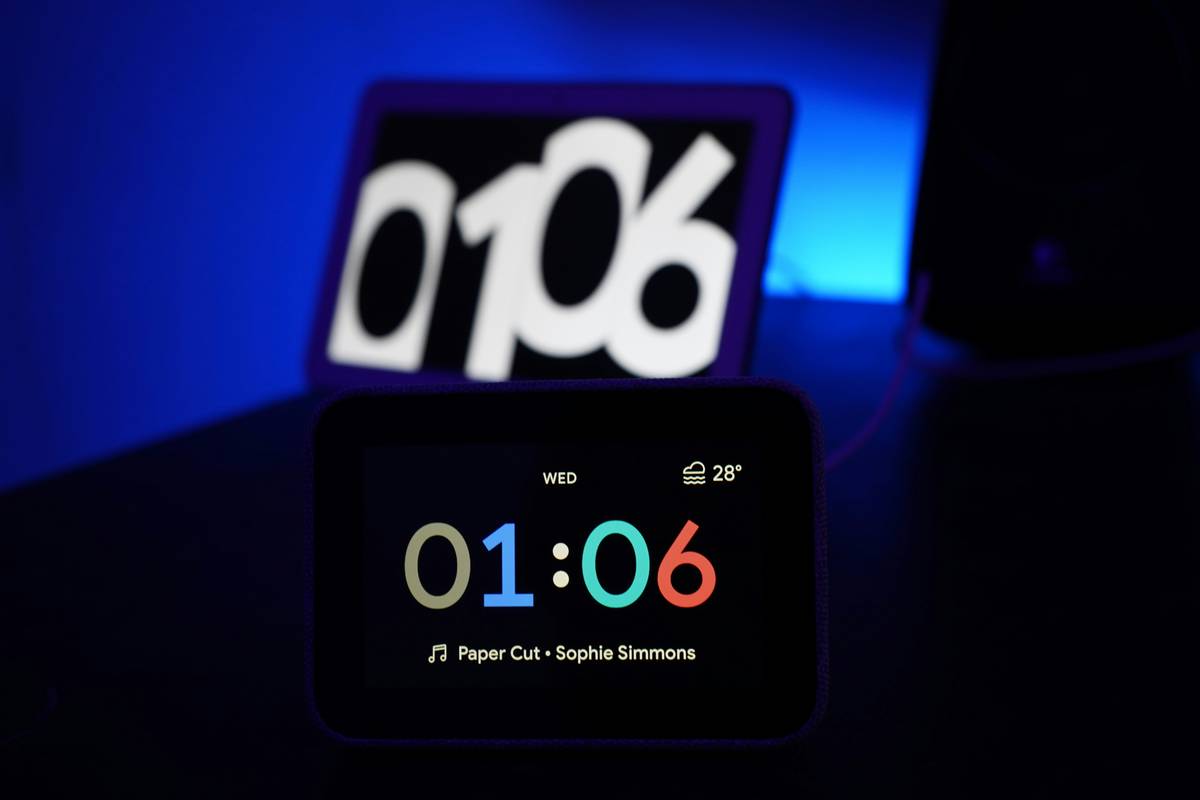
The Industry Secret: The Best Displays Are “Dumb” When They Need to Be
Here’s what no spec sheet tells you: the smartest clocks go offline gracefully. During internet outages, they default to a clean, high-contrast analog-style face powered by an internal RTC (real-time clock chip). No panic. No blank screen. Just time.
And get this—some pro-grade units actually learn your glance patterns. Using passive IR sensors (not cameras!), they detect when you’re near and wake only essential info. Walk away? It fades to near-black. This isn’t sci-fi. It’s already shipping in commercial hospitality displays—and quietly trickling into consumer gear under $200.
But you won’t find it advertised next to “Works with Google.” You have to dig into firmware changelogs or developer forums. That’s the gap between marketing and mastery.
Frequently Asked Questions
Can a modern smart clock display work without Wi-Fi?
Yes—most keep time via internal quartz or atomic sync chips. Full features like weather or calendars require connectivity, but core timekeeping persists offline.
Do these displays emit blue light at night?
Not if properly configured. Look for models with automatic warm-shift below 100 nits and physical IR-based occupancy sensing—not just schedule-based dimming.
Are modern smart clock displays compatible with Apple HomeKit?
Some are, but native HomeKit support remains rare. Check for Matter certification—it’s the new baseline for cross-platform reliability in 2024 and beyond.